mirror of
https://github.com/Comfy-Org/ComfyUI-Manager.git
synced 2026-07-18 20:38:11 +08:00
ComfyUI-Manager is an extension designed to enhance the usability of ComfyUI. It offers management functions to install, remove, disable, and enable various custom nodes of ComfyUI. Furthermore, this extension provides a hub feature and convenience functions to access a wide range of information within ComfyUI.
| js | ||
| misc | ||
| __init__.py | ||
| .gitignore | ||
| alter-list.json | ||
| custom-node-list.json | ||
| extension-node-map.json | ||
| git_helper.py | ||
| model-list.json | ||
| README.md | ||
| requirements.txt | ||
| scanner.py | ||

ComfyUI Manager
Installation
- cd custom_nodes
- git clone https://github.com/ltdrdata/ComfyUI-Manager.git
- Restart ComfyUI
Changes
- V0.6 Support extension installation for missing nodes.
- V0.5 Removed external git program dependencies.
How To Use
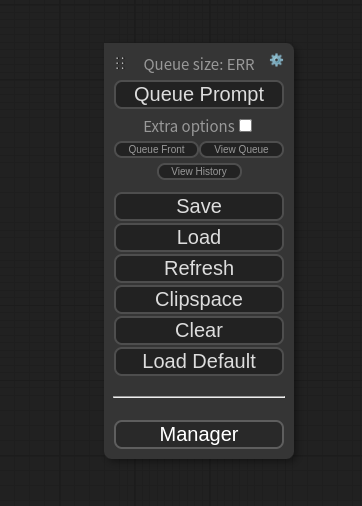
- Click "Manager" button on main menu
- If you click on 'Install Custom Nodes' or 'Install Models', an installer dialog will open.
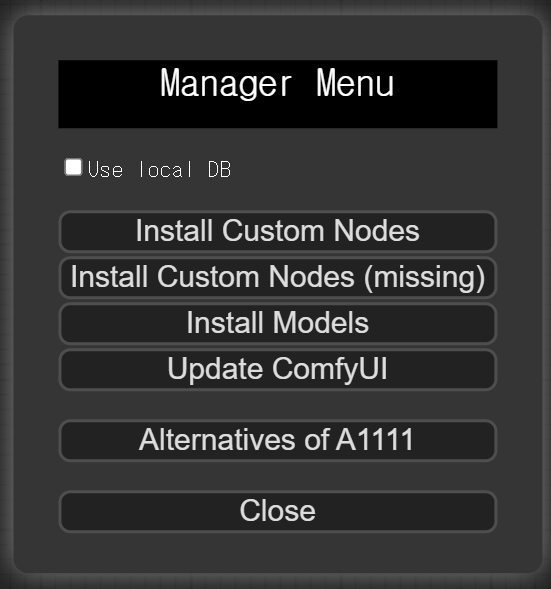
- When the 'Use local DB' feature is enabled, the application will utilize the data stored locally on your device, rather than retrieving node/model information over the internet
- Click 'Install' or 'Try Install' button.
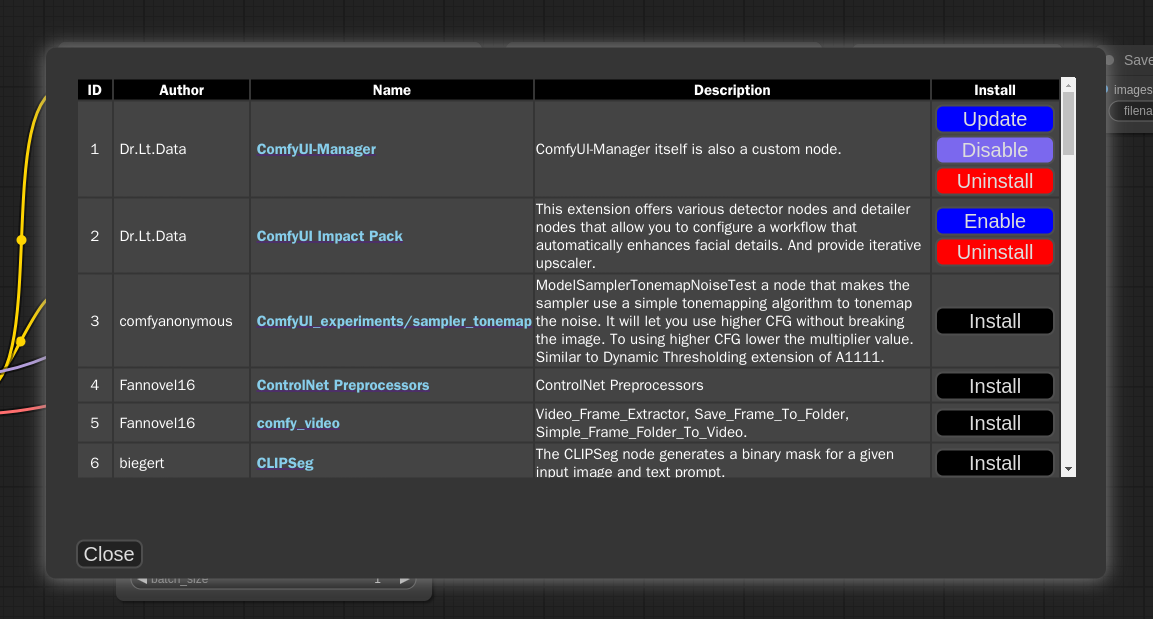
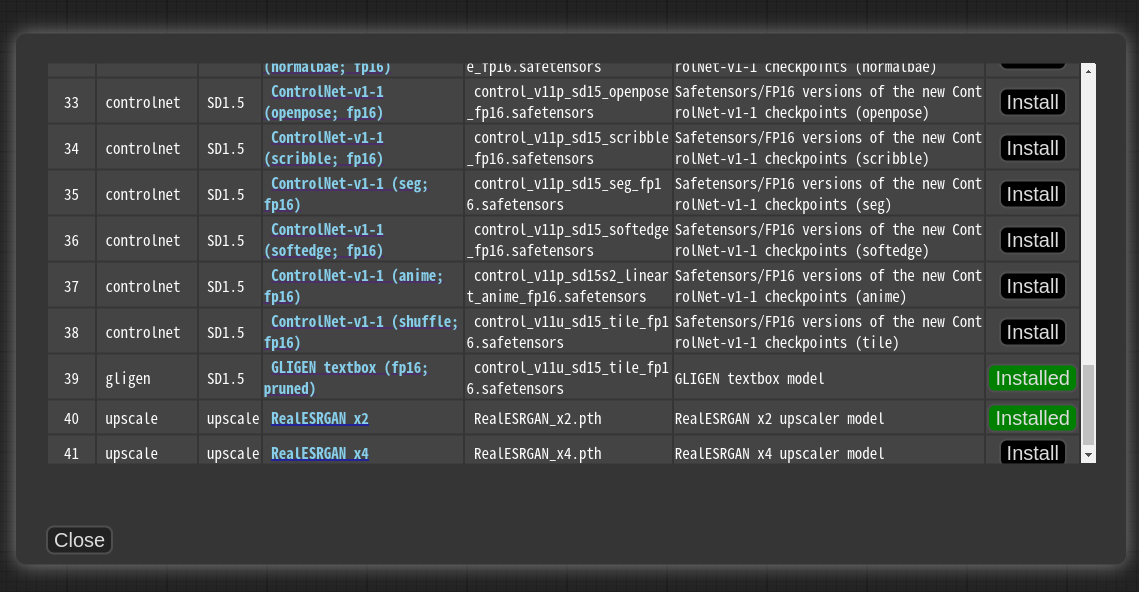
- Installed: This item is already installed.
- Install: Clicking this button will install the item.
- Try Install: This is a custom node of which installation information cannot be confirmed. Click the button to try installing it.
Custom node support guide
-
Currently, the system operates by cloning the git repository and sequentially installing the dependencies listed in requirements.txt using pip, followed by invoking the install.py script. In the future, we plan to discuss and determine the specifications for supporting custom nodes.
-
Please submit a pull request to update either the custom-node-list.json or model-list.json file.
Support of missing nodes installation
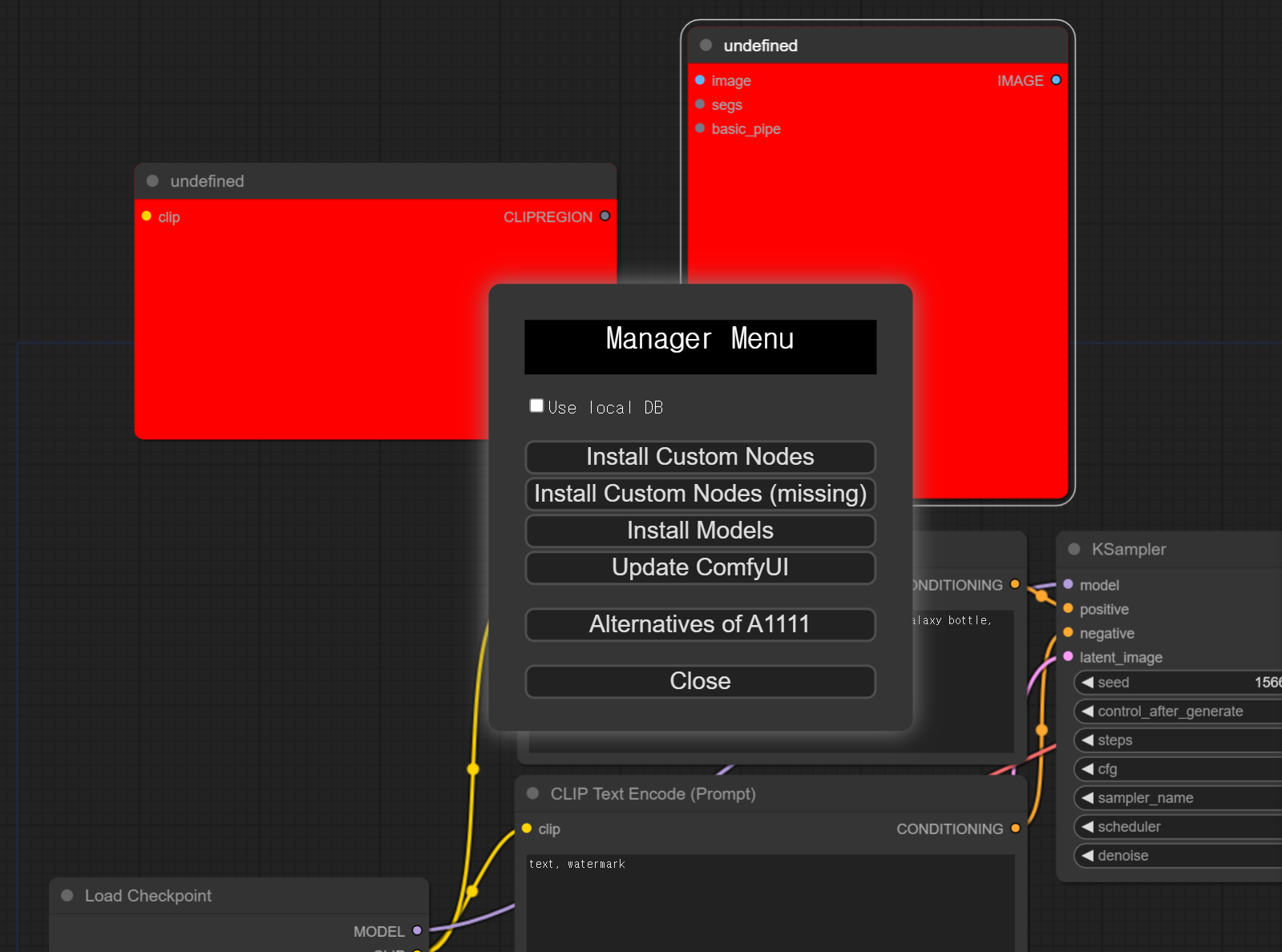
- When you click on the
Install Custom Nodes (missing)button in the menu, it displays a list of extension nodes that contain nodes not currently present in the workflow.
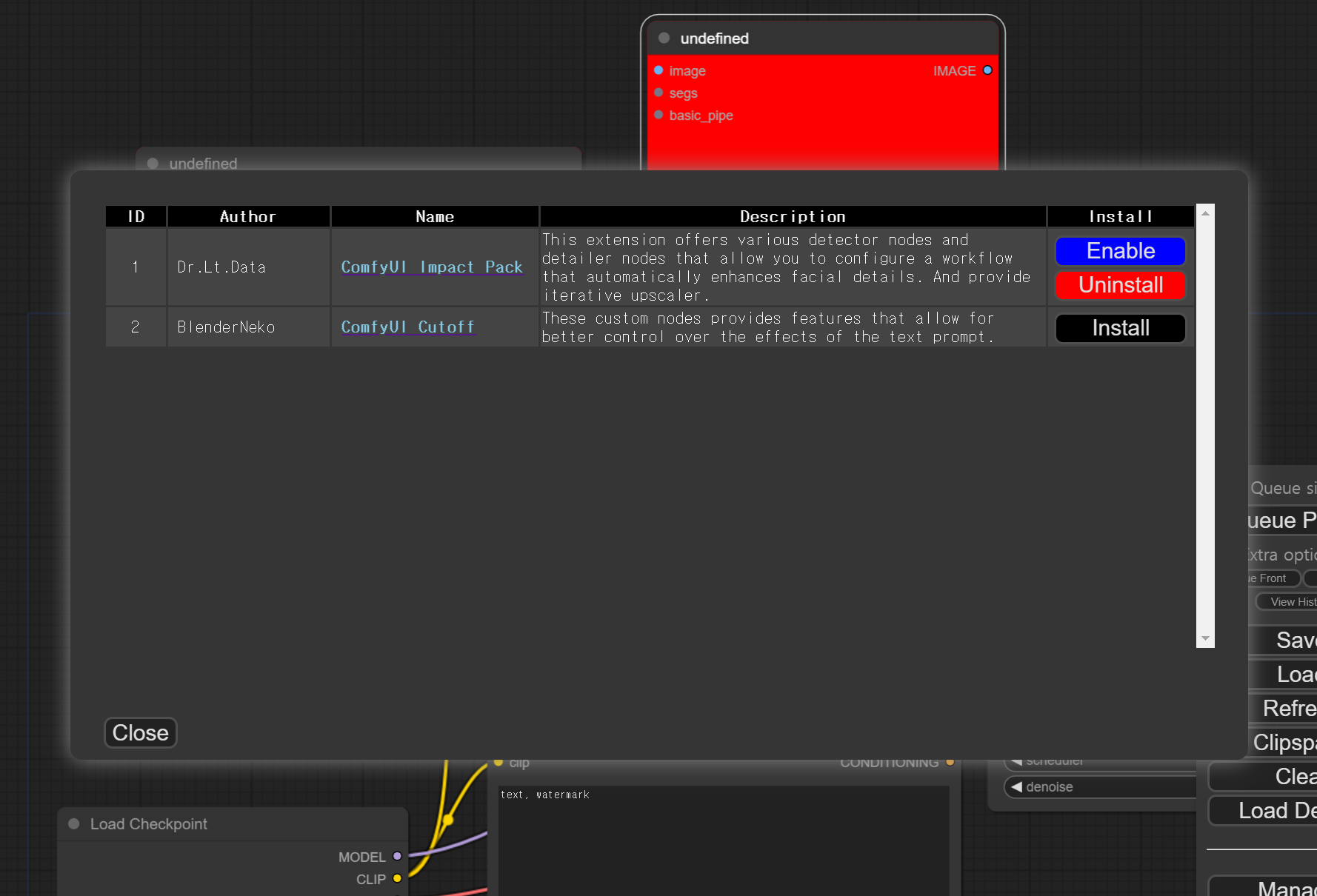
- Currently, support is only provided for extension nodes that can be installed in the form of "git-clone".
TODO: Unconventional form of custom node list
- https://github.com/bmad4ever/ComfyUI-Bmad-Custom-Nodes
- https://github.com/diontimmer/Sample-Diffusion-ComfyUI-Extension
Roadmap
- installation from git url
- 3rd party repository
- category/keyword filter
- Specification of custom nodes
- Specification scanner
- Search extension by node name
- Automatic recognition of missing custom nodes
- Automatic installation suggestion of missing custom nodes
- workflow downloader
Disclaimer
- This extension simply provides the convenience of installing custom nodes and does not guarantee their proper functioning.